Client-Based VPN Connection
The client can start a VPN connection without requiring the user to enter server addresses or connection parameters manually. The connection still depends on the device network and available routes.
VPN connection · Route selection · Desktop and mobile clients
LetsVPN selects an available VPN route based on current network conditions. Speed and availability may vary by network. Available on Windows, macOS, Android and iOS.
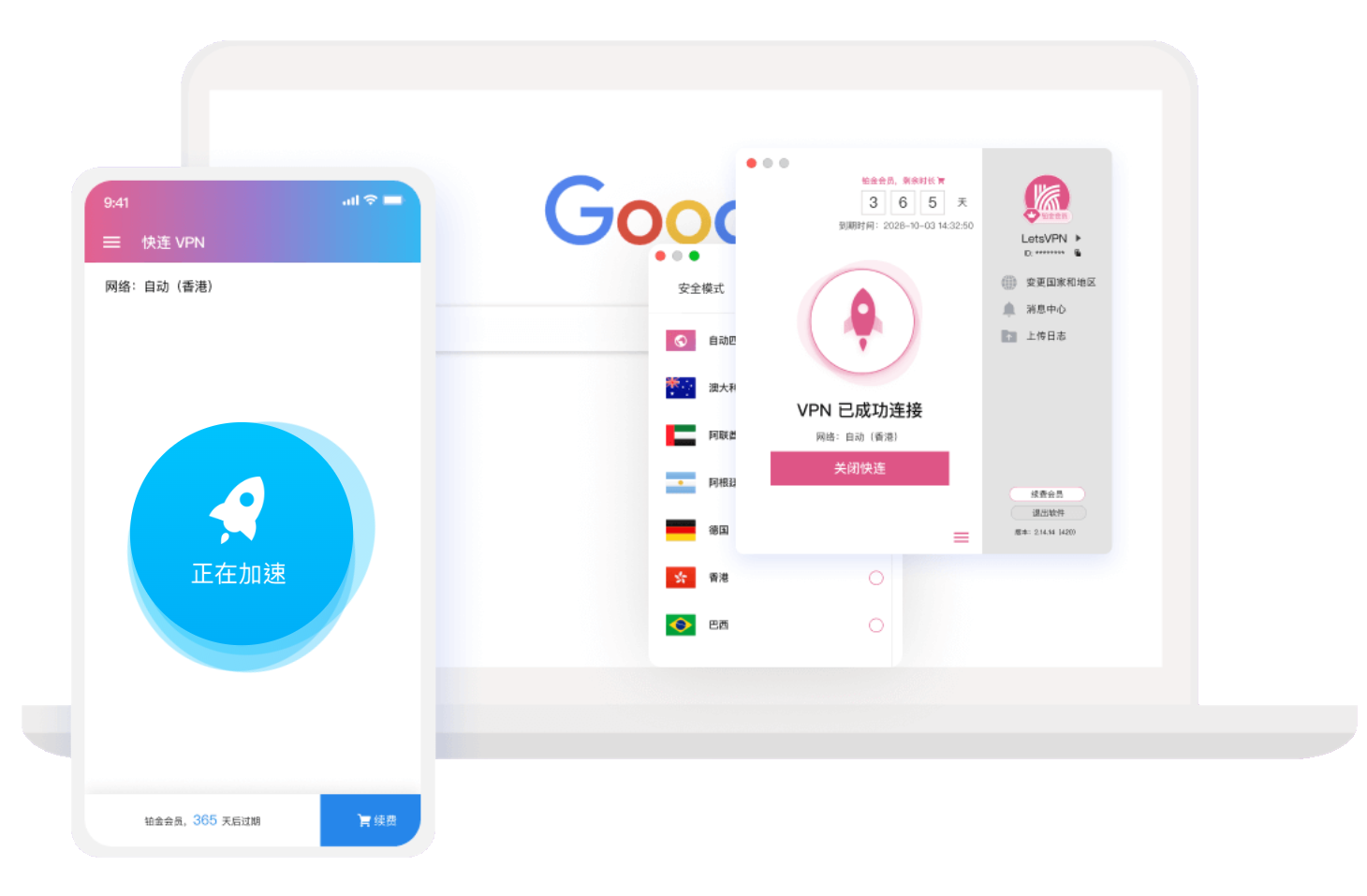
When a connection starts, LetsVPN selects an available route and network node, then establishes the VPN tunnel used to carry device traffic. Local bandwidth, route congestion, node status and the destination service can all affect throughput, latency and connection continuity, so results may differ across networks and time periods.



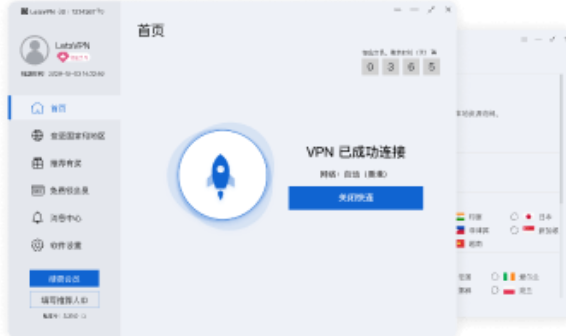
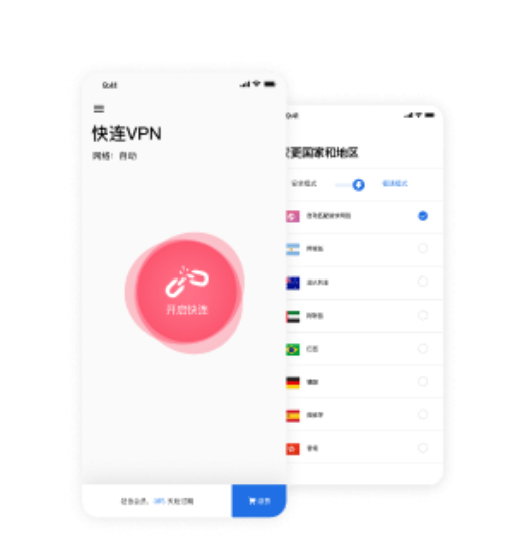
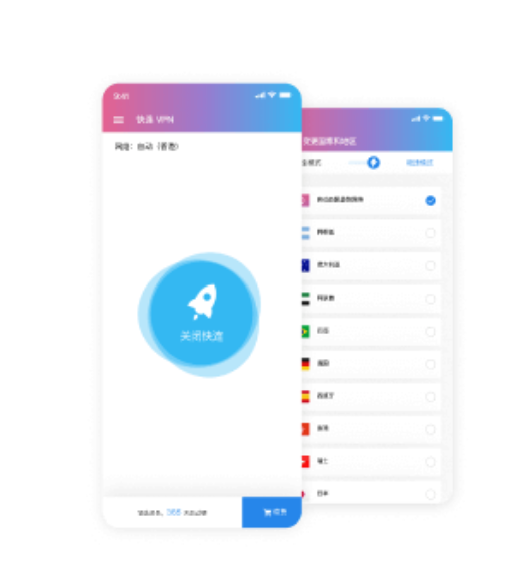
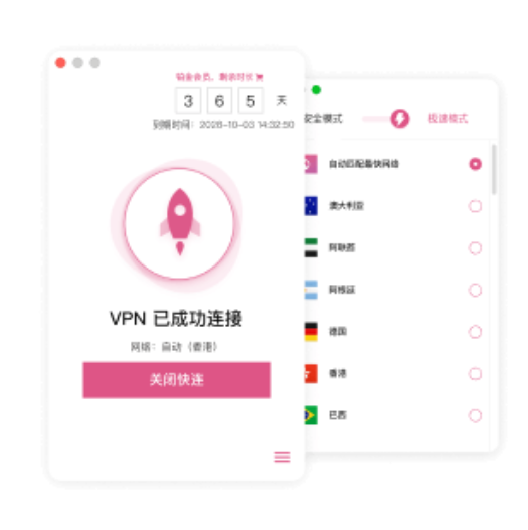
LetsVPN uses the same basic connection model across desktop and mobile clients: start a VPN connection, select an available route, and monitor the current connection state. Installation steps, permissions and interface details differ by operating system.
The client can start a VPN connection without requiring the user to enter server addresses or connection parameters manually. The connection still depends on the device network and available routes.

LetsVPN selects a usable route based on the network conditions detected when the connection begins. Route load and availability can change over time, so the connection path may also change.

After the VPN connection is established, websites and online services still apply their own region, account and network rules. Availability, response time and throughput can therefore differ between services even when the VPN itself remains connected.

LetsVPN provides clients for Windows, macOS, Android and iOS. Each platform uses its own installation process, permissions and network controls.

The VPN tunnel protects network traffic between the device and the VPN service. It does not replace account passwords, two-factor authentication, operating-system updates, browser security settings or the security controls of the destination service.

VPN behavior can change across home broadband, mobile data, public Wi-Fi and other networks. Connection setup, route availability, latency, reconnect behavior and operating-system permissions are separate factors that can affect the final result.
Starting a connectionChanging network conditionsPublic Wi-Fi Network switchingMultiple devicesWebsites and apps
Privacy Policy · Diagnostics · Network Transport
LetsVPN distinguishes browsing activity from diagnostic information. Device, crash and performance data may be generated locally, while diagnostic information can be submitted by the user when technical support is needed. The VPN connection protects network transport between the device and the service, but it does not replace account security, device updates or the security controls of the destination website or app.
 Client-based VPN connection
 Browsing activity and diagnostics are handled separately
 VPN traffic is carried through the encrypted tunnel
 Shared networks still require device and account security
 Security assessments apply to specific versions and test scopes
Connection time, sustained throughput, latency, reconnect behavior, device state and the destination service all influence VPN performance. A single speed test does not represent every network, route or time period.
Connection time can vary with the local network, route availability and current load. A successful connection on one network does not guarantee the same timing on another.

Long sessions can be affected by local network changes, route state, device sleep behavior and background restrictions.

Latency is separate from download speed and can affect calls, interactive services and remote access even when throughput remains high.

Desktop and mobile systems use different permissions and network controls, so connection results may differ across devices using the same account.

Websites and apps can respond differently according to region, account state and their own network policies even while the VPN remains connected.

Moving between Wi-Fi, mobile data and other networks can interrupt the existing route and require the client to establish a new usable connection.

LetsVPN provides clients for Windows, macOS, Android and iOS. Installation method, system permissions and network controls differ by platform, while each client is used to establish and monitor the VPN connection.
FAQ
These questions cover VPN connections, route selection, device support, browsing activity, public networks, performance and account limits.
LetsVPN is a cross-platform VPN client for Windows, macOS, Android and iOS. It establishes a VPN connection, selects an available route and carries device traffic through the VPN service.
LetsVPN selects an available route based on the network conditions detected when the connection starts. Route quality can change with local network conditions, congestion, node state and the destination service.
LetsVPN provides clients for Windows, macOS, Android and iOS. Installation, VPN permissions and background-network behavior differ by operating system.
LetsVPN distinguishes browsing activity from diagnostic information. Device diagnostic data may be generated locally, and users can submit relevant diagnostic information when requesting technical support.
No. VPN performance depends on routing, local bandwidth, node load, latency, device conditions and the destination service. Results can differ across networks and time periods.
A VPN connection protects network transport between the device and the VPN service. HTTPS, account passwords, two-factor authentication, system updates and device security remain separate controls.
No. LetsVPN availability can vary with local network conditions, route state, third-party services and regional network restrictions.
Connection setup, latency, stability, network switching, device compatibility and the services you use regularly can all be checked during the available trial period.
A VPN typically creates a network tunnel for device traffic, while a proxy may redirect traffic from a browser or individual application. The exact scope depends on the software and system configuration.
LetsVPN supports major desktop and mobile platforms. The number of devices that can be active at the same time depends on the current account and subscription rules.
No. VPN encryption addresses network transport, but it does not replace operating-system updates, account security, safe browsing, malware protection or phishing protection.
Confirm that the underlying network works and that the operating system allows VPN connections. Then reconnect or test another network. If the problem continues, compare whether the issue affects all websites and apps or only one destination.